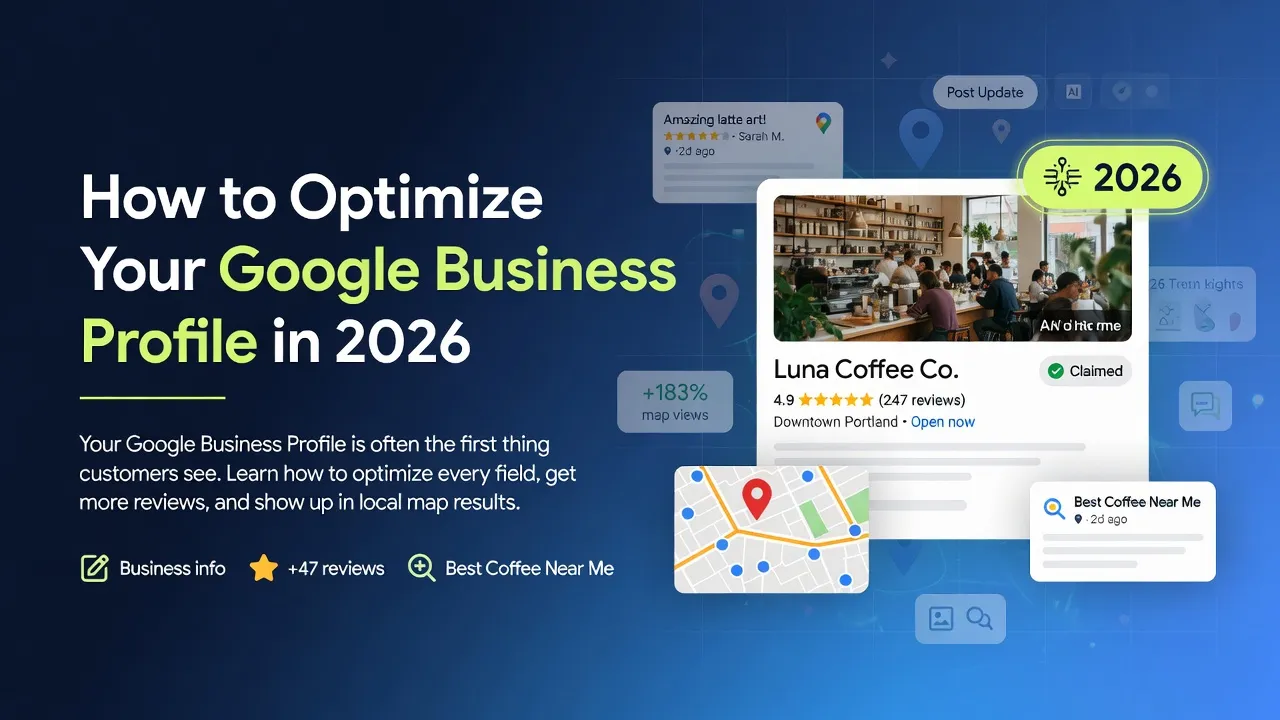
Your Google Business Profile (GBP) is not optional. It is the single most visible piece of your online presence for local customers. When someone searches for your service in your area, your GBP — with its map pin, reviews, phone number, and photos — is often the first thing they see. Here is how to optimize every field for maximum impact.
1. Complete Every Field
Google rewards completeness. Fill in every single field: business name, address, phone number, website URL, business hours, holiday hours, business category, services, service area, and business description. Incomplete profiles rank lower and look less trustworthy.
2. Write a Compelling Business Description
You get 750 characters. Use them. Write a clear, benefit-focused description that tells potential customers what you do, who you serve, and why you are different. Include your primary keyword naturally — once or twice, not stuffed.
3. Add High-Quality Photos
- Exterior and interior photos of your business
- Team photos (people trust people, not stock images)
- Photos of your work or products
- Regular seasonal updates (holiday decor, new signage, events)
4. Get and Manage Reviews
Reviews are the number one local ranking factor. Businesses with more and better reviews outrank competitors consistently. Aim for at least five new reviews per month. Respond to every review — positive and negative — professionally and promptly.
5. Use Google Posts
Google Posts are mini-updates that appear on your GBP. Use them to promote special offers, share news, highlight services, or announce events. They are free, easy to create, and keep your profile active and engaging.
“Your Google Business Profile is your digital storefront. If it is incomplete or outdated, it is like showing up to work with the lights off and the doors locked.”
— Sunshine Inc Team
At Sunshine Inc, Google Business Profile integration is one of our core services. We optimize every field, connect your GBP to your website, and set up systems to generate ongoing reviews. Let us handle it for you.
Need help setting up or optimizing your Google Business Profile? Explore our GBP integration service